

Latest Version
Keshav Bhatt
Linux
Free
com.ktechpit.whatsie
Report a Problem
More About Whatsie
A Dedicated Desktop Client for Linux Messengers
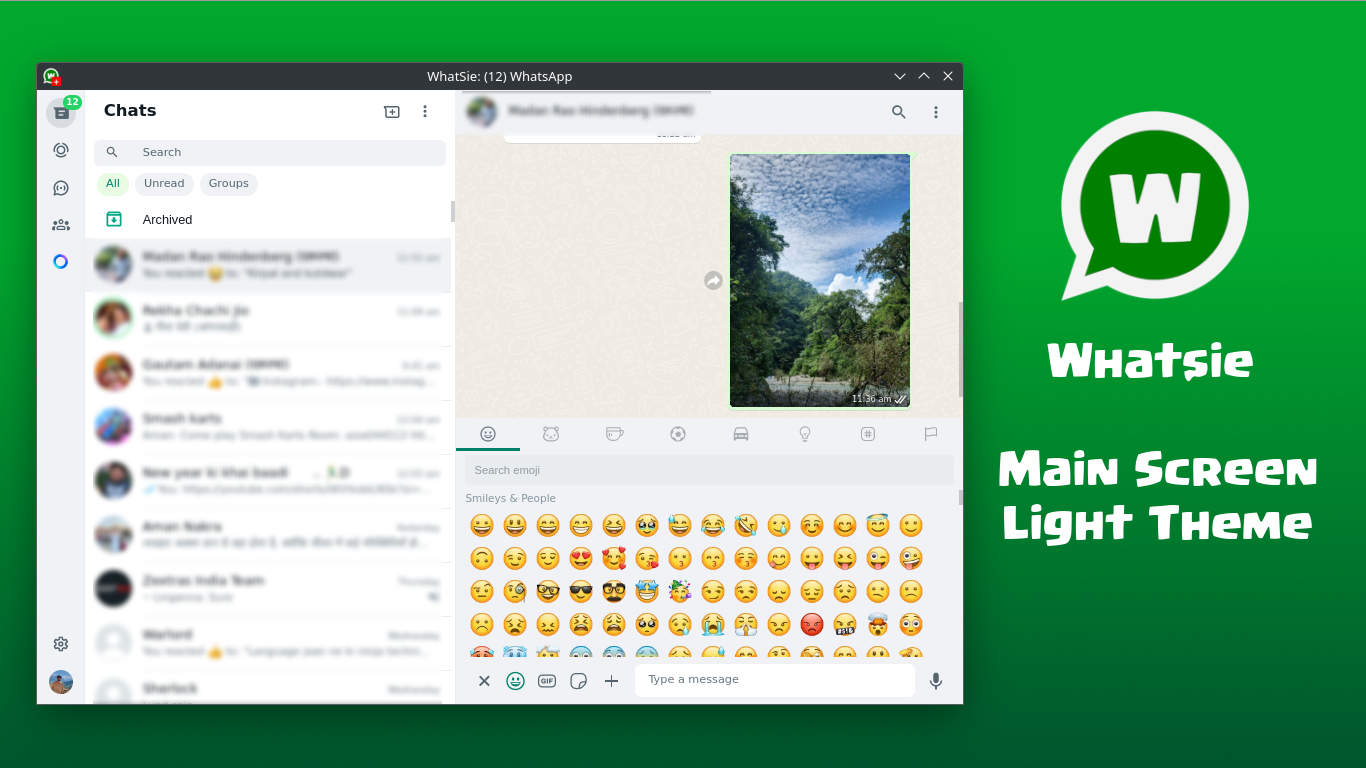
While many users rely on standard browser tabs for their daily messaging, the Whatsie WhatsApp Web client for Linux offers a compelling alternative. Developed by Keshav Bhatt, this native desktop wrapper is built on Qt and QtWebEngine, liberating your chat threads from the clutter of web browsers. By transforming the standard web interface into a dedicated application, it provides a highly integrated, reliable communication hub designed specifically for the Linux ecosystem.
Key Features of the Whatsie WhatsApp Web Client for Linux
Whatsie goes far beyond a simple window wrapper by introducing a suite of desktop-specific enhancements that improve both productivity and privacy:
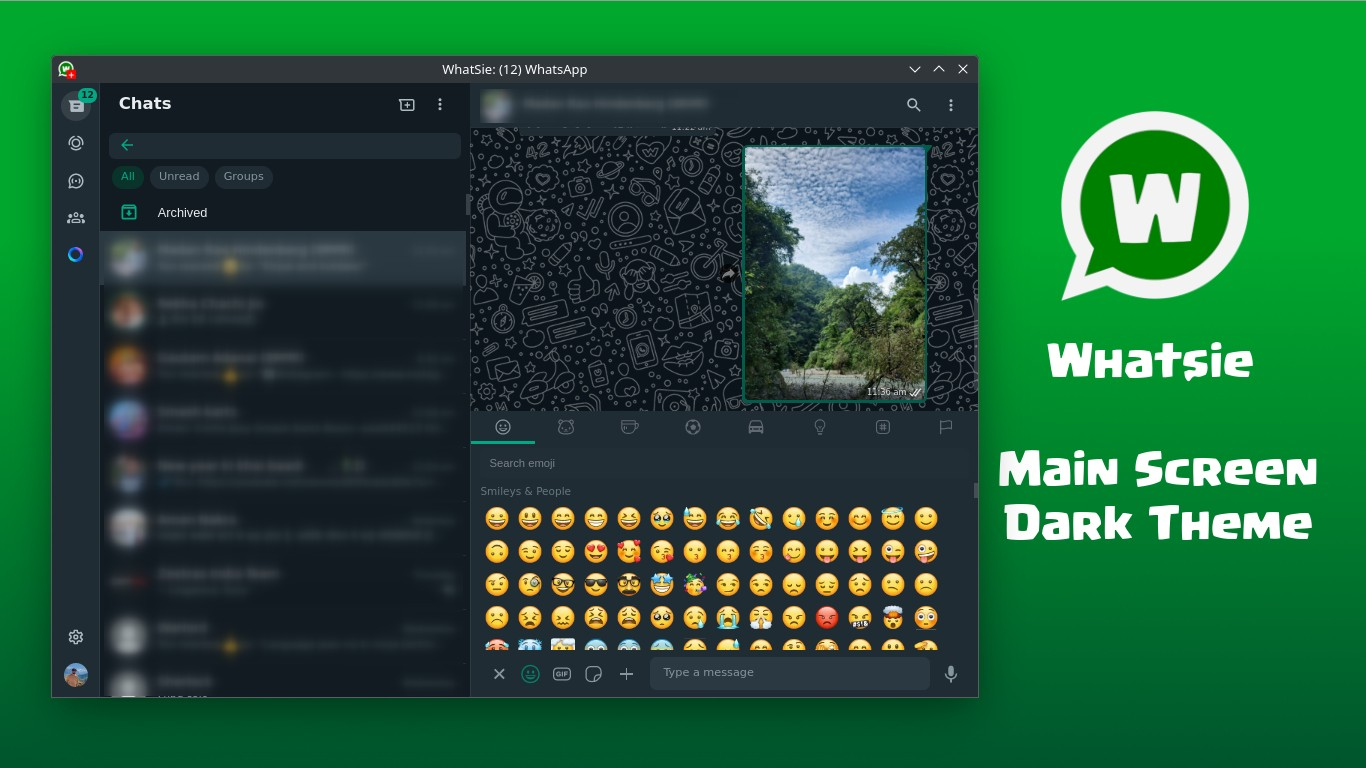
- Seamless OS Integration: Features automatic light and dark theme switching that aligns with your system settings, custom in-app popups, and native system notifications.
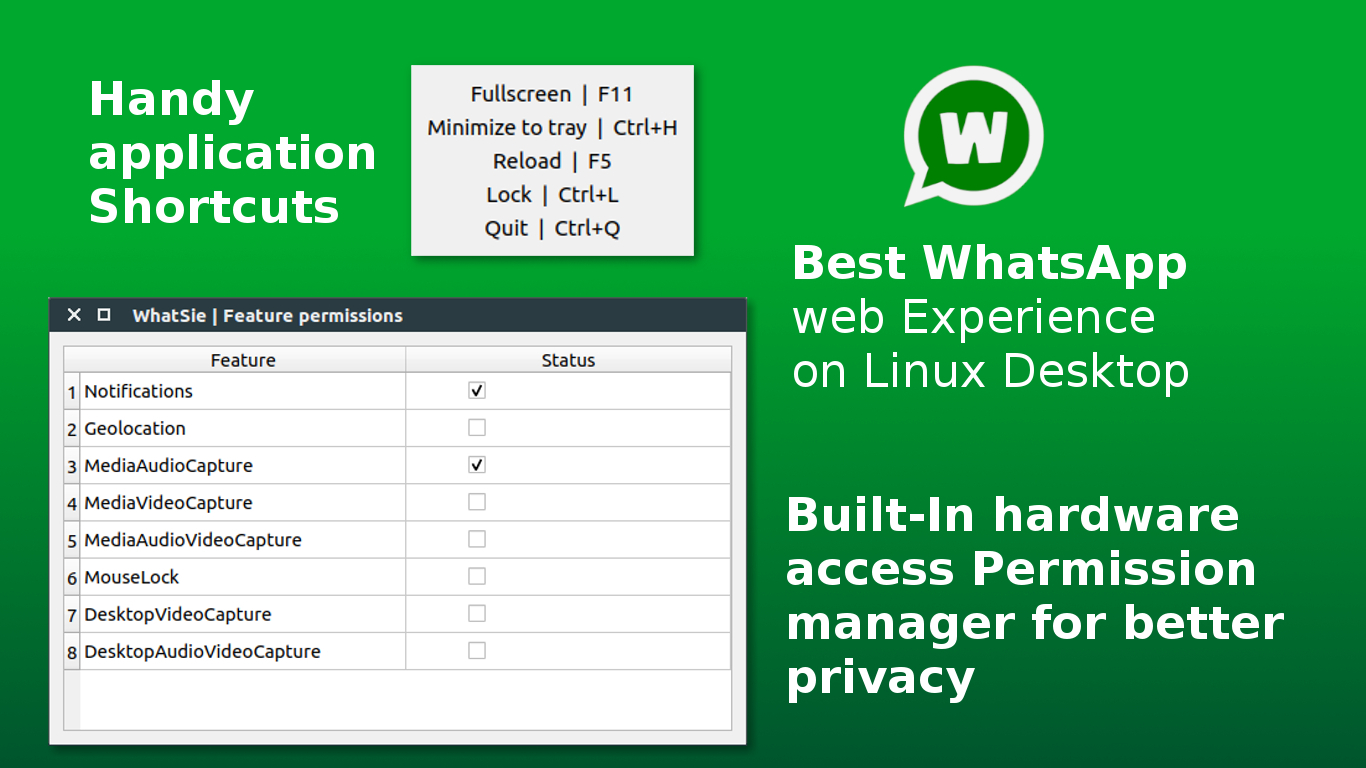
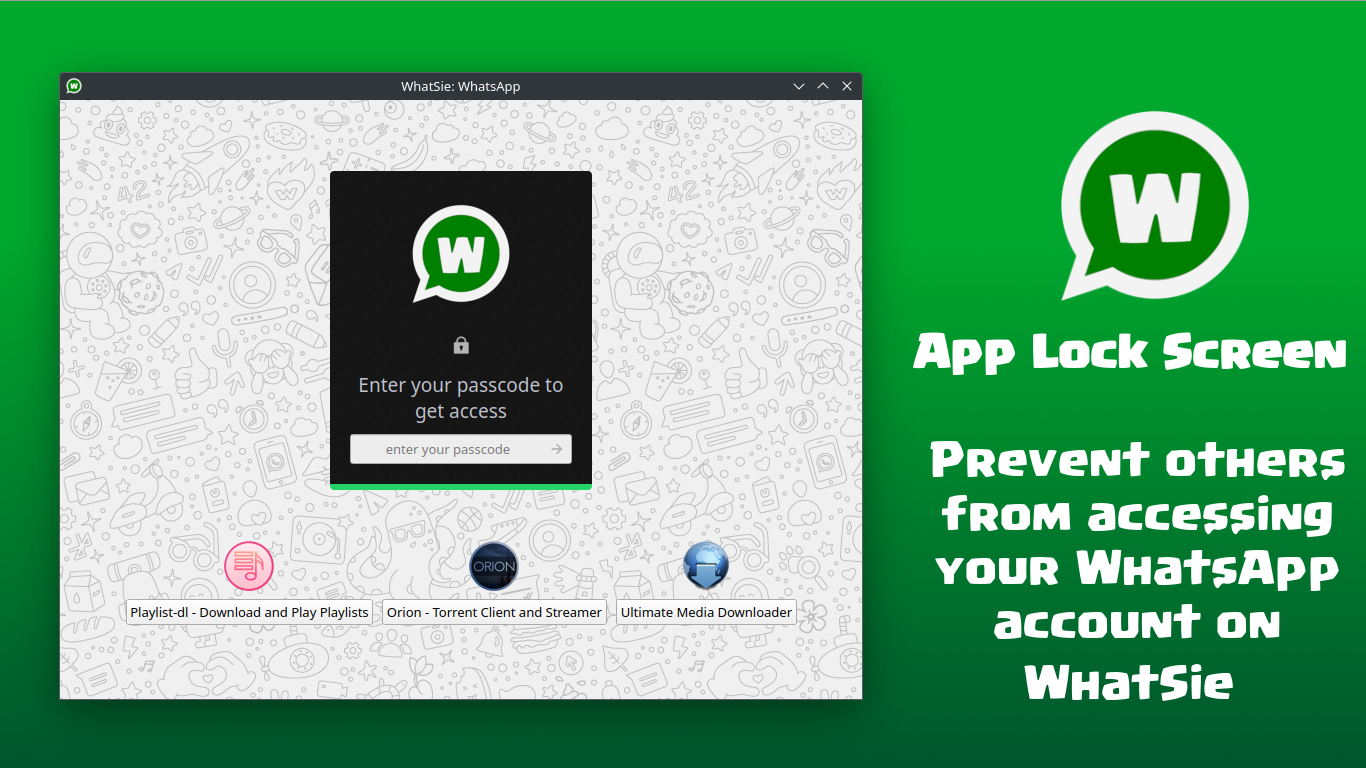
- Advanced Privacy and Security: Keep your conversations secure with an integrated app lock featuring PIN protection and a customizable auto-lock timeout.
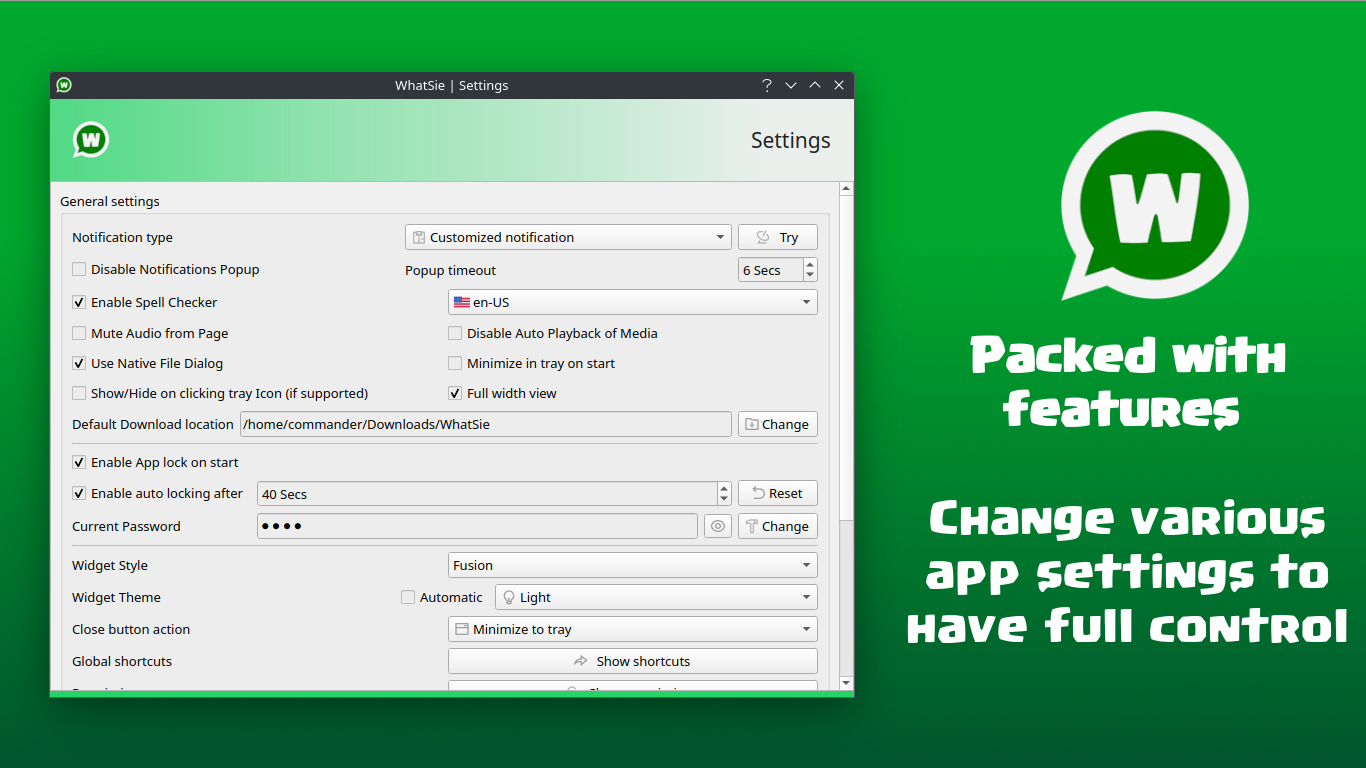
- Multilingual Spell Checker: Ensure your messages are polished with built-in spell checking that supports 31 distinct languages.
- Robust Download Management: Manage shared media effortlessly using the application's built-in download manager.
- Distraction Controls: Take control of your workflow with a dedicated do-not-disturb mode, global keyboard shortcuts, and per-session audio muting.
Tailored for Linux Productivity
For power users, the Whatsie WhatsApp Web client for Linux offers granular settings that browsers simply cannot match. Users can configure the application to minimize to the system tray upon startup or when closing the window, keeping background communication seamless. Additionally, customizable user-agent strings, zoom controls, and adjustable notification popup timeouts ensure that the software molds perfectly to your specific desktop environment and workflow preferences.
Final Verdict
If you are looking to separate your messaging from your web browsing activities while gaining robust system integration and privacy tools, this application is an excellent choice. To experience this streamlined communication tool firsthand, visit the official Flathub store page to download the client for your distribution.
Rate the App
User Reviews

Popular Apps










Editor's Choice