

Latest Version
Hippo Games
Games
Windows
Free
9p7xs7vh1r3j
Report a Problem
More About Pixel Studio
The Ultimate Solution for Pixel Art and Frame-by-Frame Animation
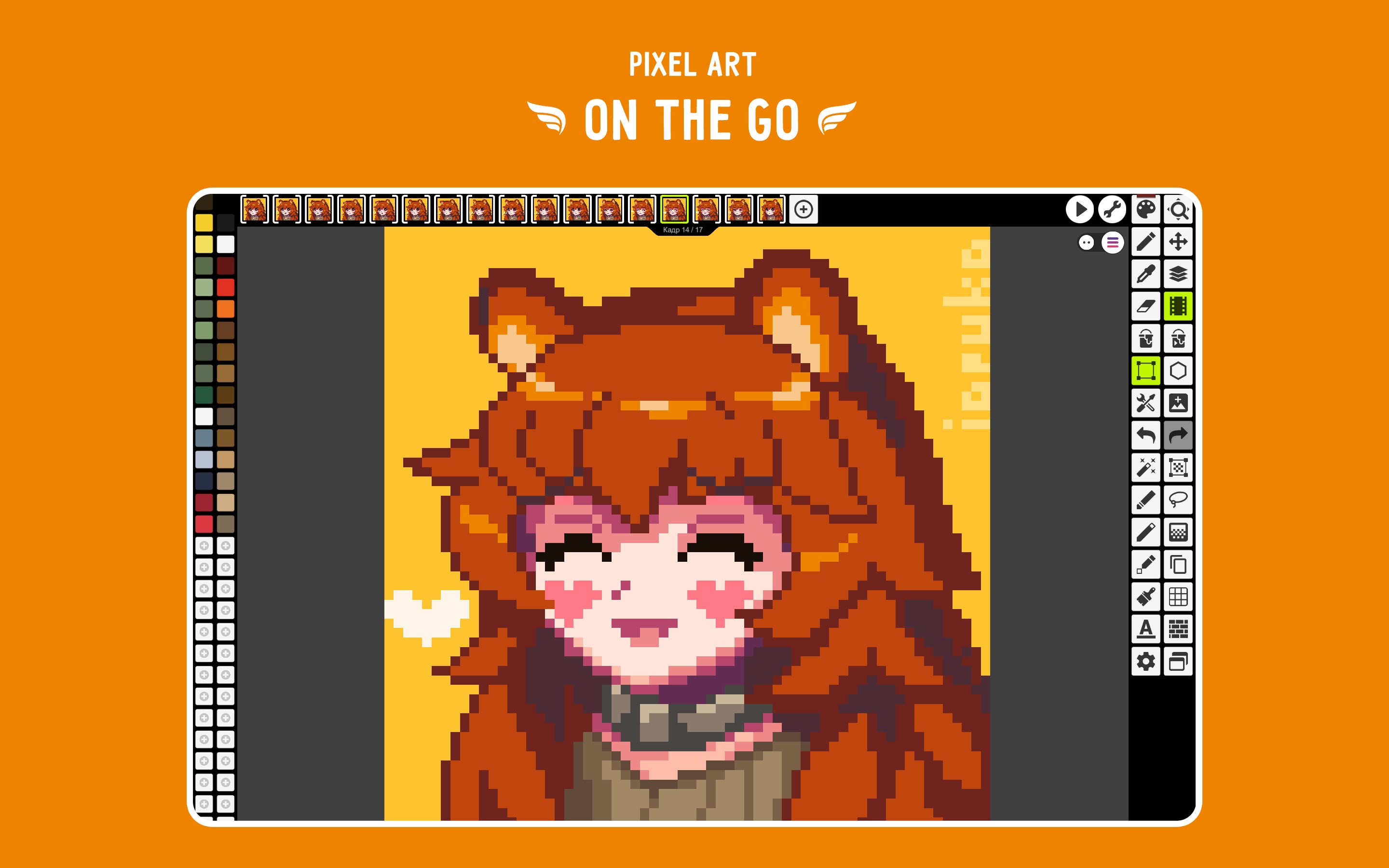
Finding a tool that balances simplicity with professional-grade features can be a challenge for digital artists. Pixel Studio pixel art editor solves this by offering an intuitive, fast, and highly portable workspace designed specifically for creating retro graphics, game assets, and frame-by-frame animations. Developed by Hippo Games, this software caters to both beginners starting their digital art journey and veteran game developers requiring a robust asset creation tool on Windows.
Key Features of the Pixel Studio Pixel Art Editor
What sets the Pixel Studio pixel art editor apart is its comprehensive suite of creative tools that streamline the retro design pipeline. Here is a breakdown of its standout capabilities:
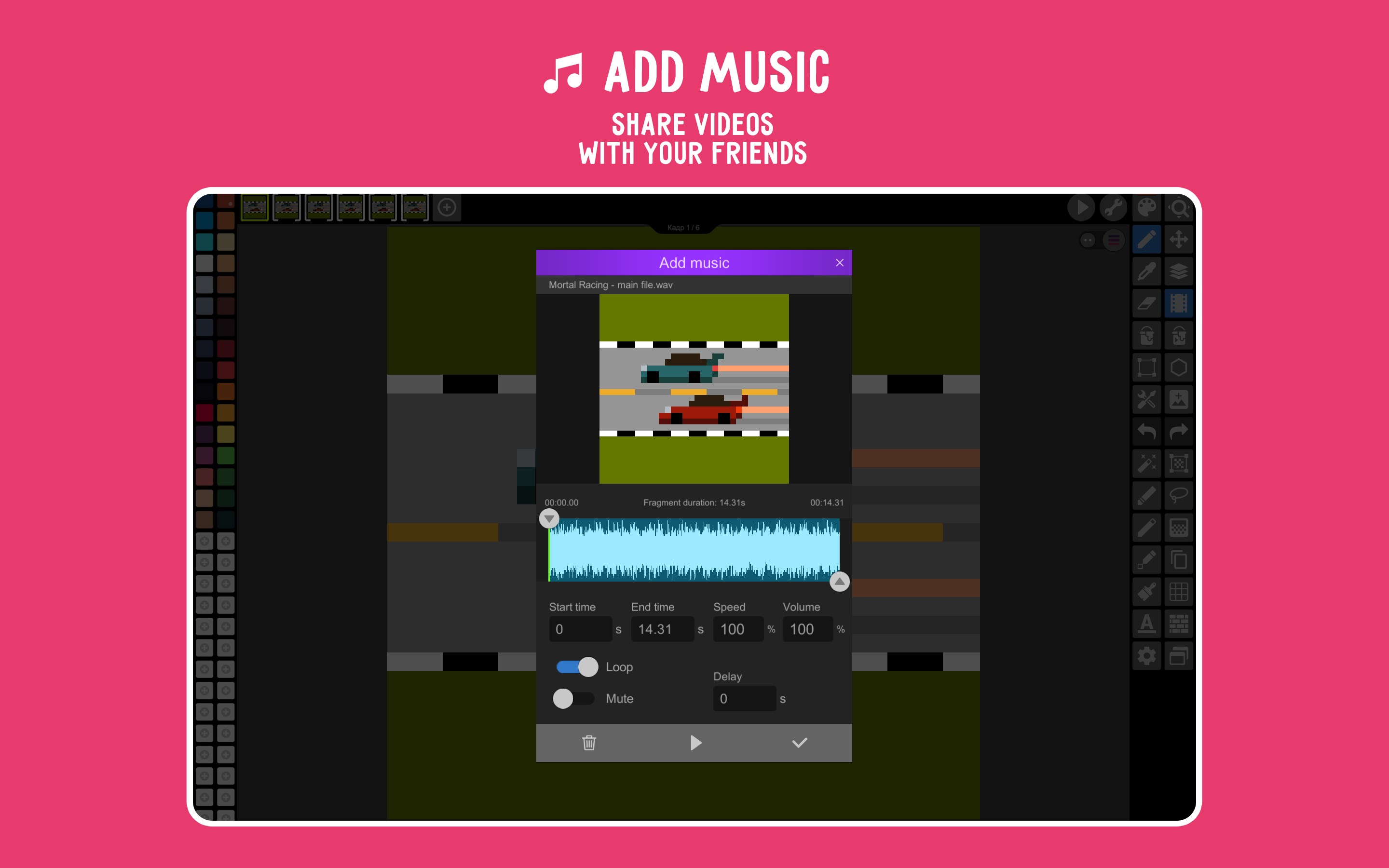
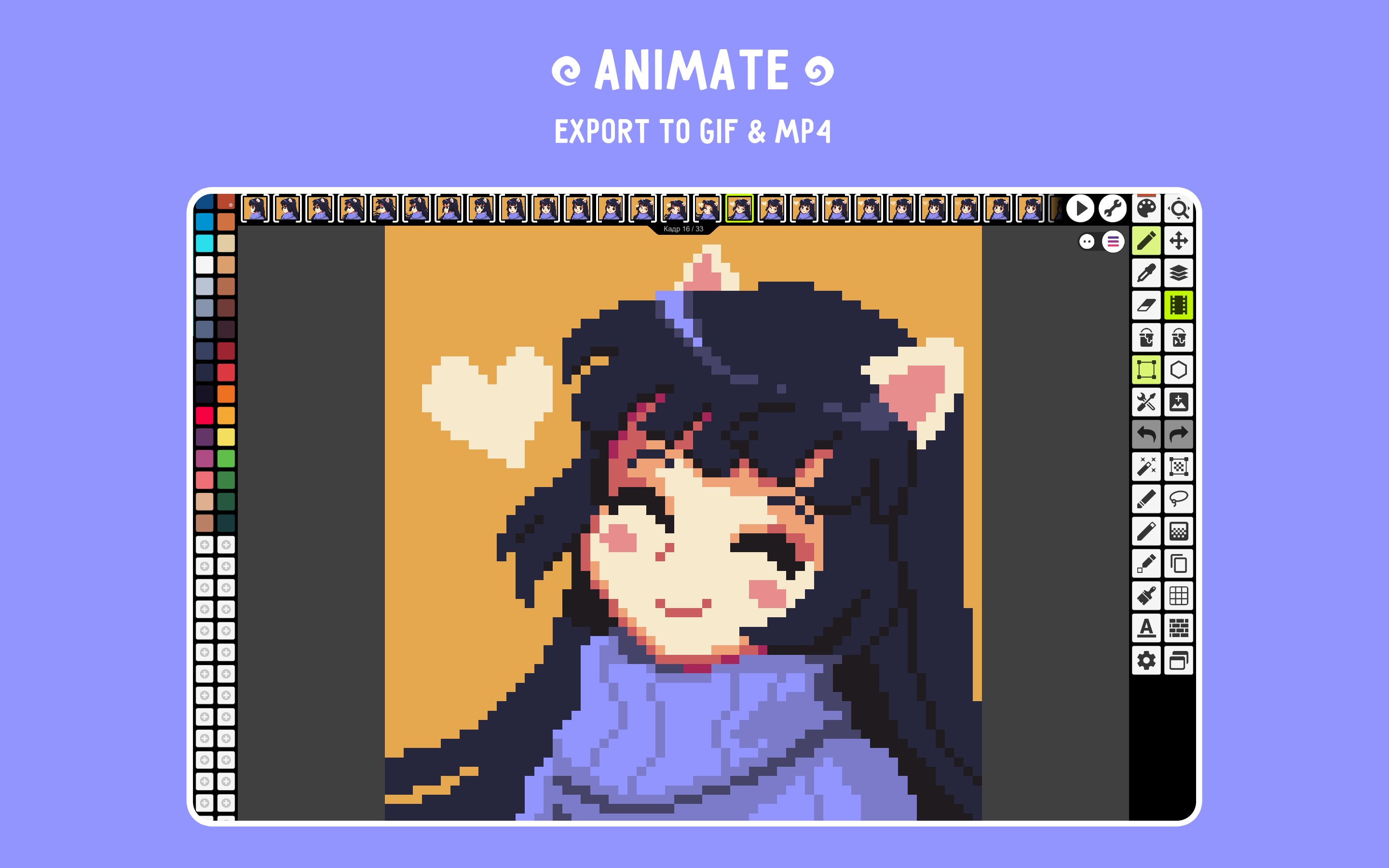
- Advanced Animation Suite: Create detailed frame-by-frame animations with onion skinning. You can even add music to your timelines and export your finished work directly to MP4 or animated GIF formats.
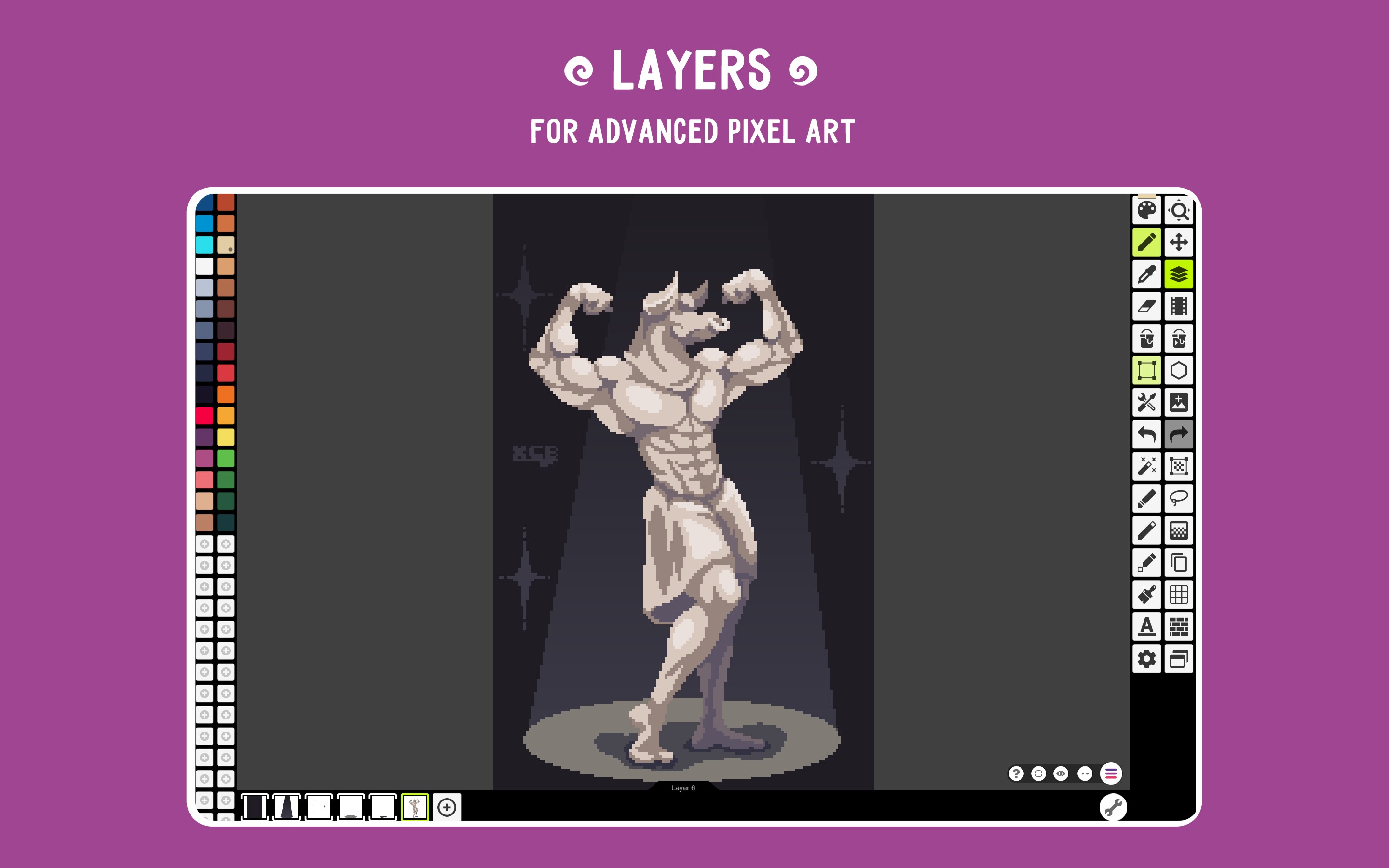
- Multi-Layer Support: Organize complex art projects easily by utilizing layers, allowing for non-destructive editing and easier asset management.
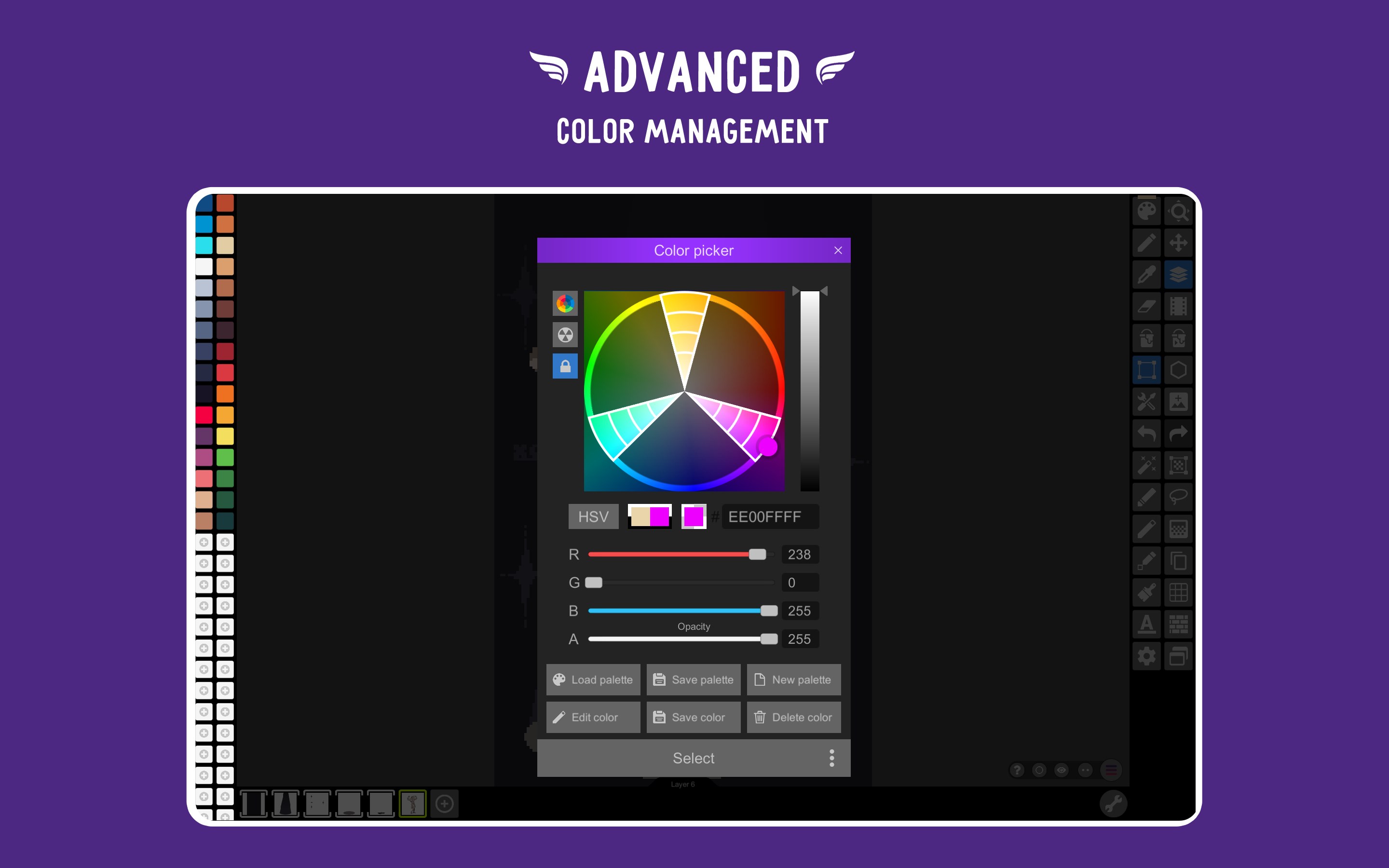
- Robust Color Management: Access advanced RGBA and HSV color pickers, create custom palettes, or integrate built-in presets sourced directly from Lospec.
- Symmetry and Precision Tools: Draw with absolute accuracy using symmetry modes (X, Y, and X+Y), a specialized Dot Pen for cursor-based precision, and a Dithering Pen for classic shading.
- Broad Format Compatibility: Seamlessly import and export popular formats including PNG, JPG, GIF, BMP, and native formats like PSP (Pixel Studio Project) and ASE (Aseprite import).
Cross-Platform Synchronization and Community Integration
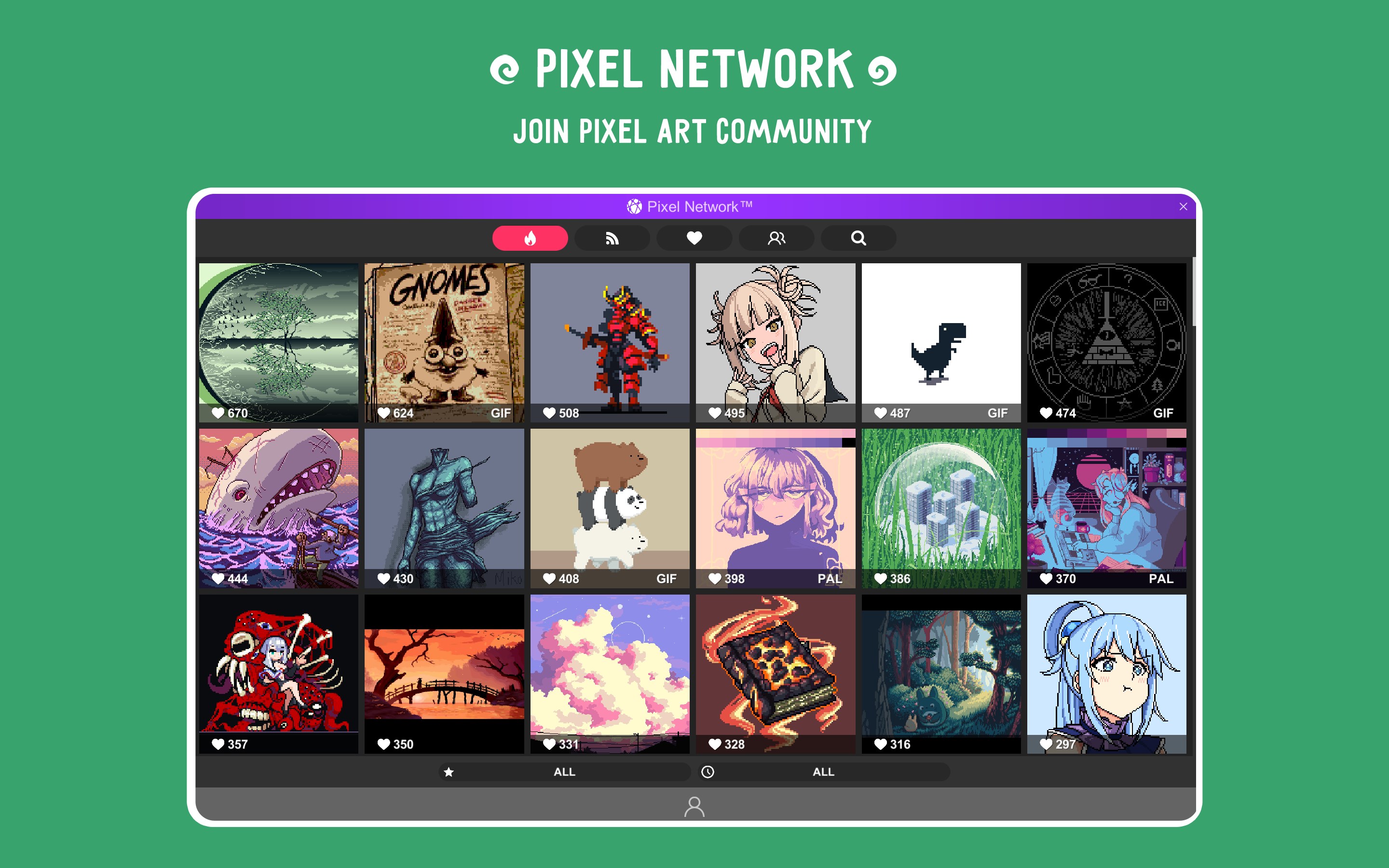
For artists who work across multiple workstations, the Pixel Studio pixel art editor offers seamless cloud integration. By utilizing Google Drive, you can sync your active projects across different devices and platforms, ensuring your progress is never lost. Additionally, the application connects you directly to the Pixel Network™ community, a dedicated space where you can share your creations, gather feedback, and find inspiration from other pixel artists worldwide.
Hardware and System Requirements
To ensure a smooth workflow when handling large-scale canvases and complex multi-frame animations, Hippo Games recommends the following system specifications for Windows users:
- System Memory: 2GB of RAM or more is highly recommended for larger projects.
- Processor: A modern, capable CPU to handle multithreaded image processing efficiently.
Whether you want to draft simple sprites or construct elaborate animated backgrounds, this editor provides a reliable, feature-rich environment that adapts to your creative style.
Is Pixel Studio Right for You?
If you are looking for an all-in-one suite that handles static sprites, tile patterns, and advanced animations without a steep learning curve, the Pixel Studio pixel art editor is an exceptional choice. It brings professional utility to a highly accessible interface.
To explore this creative tool further and add it to your design workflow, visit the official Microsoft Store page to get started.
Rate the App
User Reviews










Popular Apps










Editor's Choice