

Latest Version
Mailspring
Communication
Linux
Free
com.getmailspring.Mailspring
Report a Problem
More About Mailspring Review: The Ultimate Modern Linux Email Client
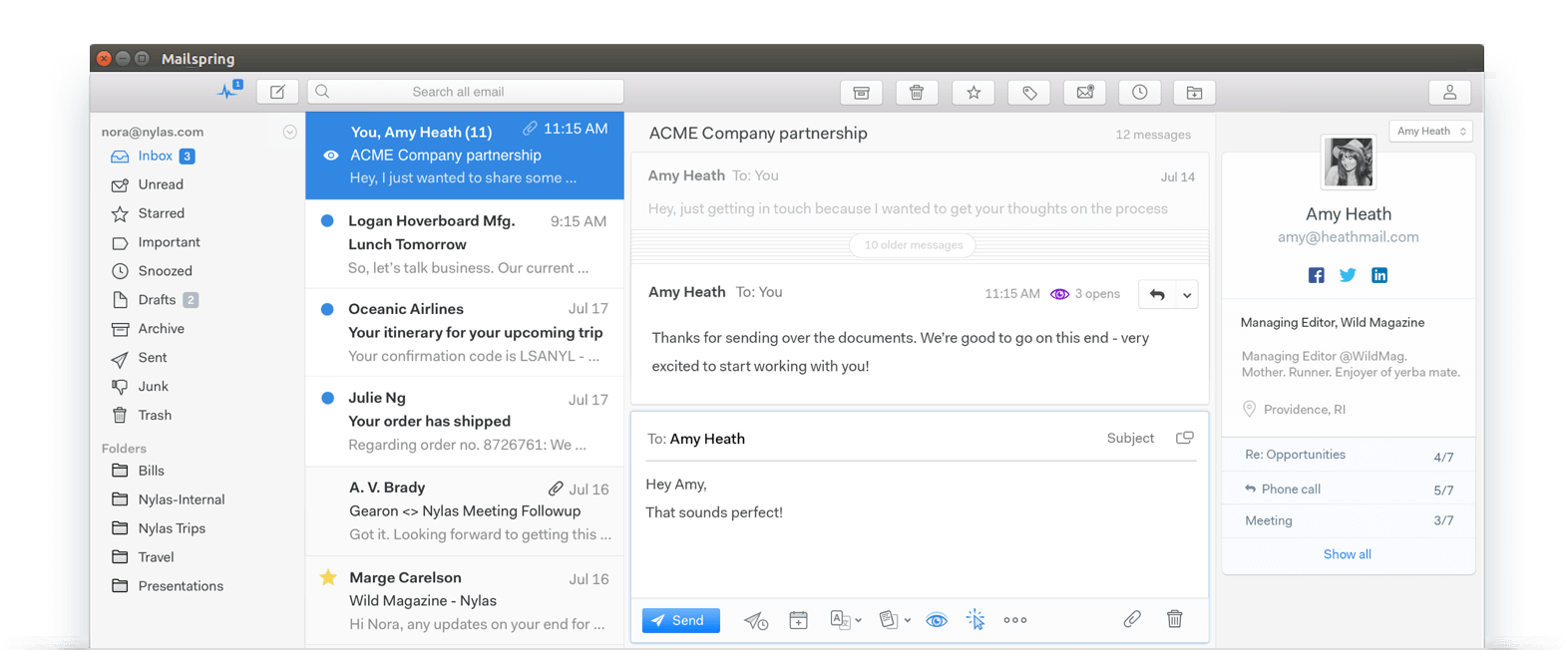
Finding a desktop mail application that balances modern aesthetics with system efficiency can be challenging, especially for open-source operating systems. The Mailspring email client solves this dilemma by offering a refined, high-performance interface designed specifically to streamline your daily communication. Developed as an optimized successor to Nylas Mail, this application replaces resource-heavy JavaScript sync code with a native C++ engine based on Mailcore2, ensuring your system remains fast and responsive.
Why the Mailspring Email Client Stands Out on Linux
For professionals and teams at work, email management is about speed and focus. Many modern clients consume excessive system resources, leading to battery drain and slow performance. The Mailspring email client tackles this by utilizing roughly half the RAM and CPU of its predecessor. By idling with almost zero "CPU Wakes," it preserves battery life while delivering real-time desktop notifications and smooth animations.
Core Productivity Features
- Unified Inbox: Consolidate messages from multiple accounts into a single, cohesive view.
- Snooze & Send Later: Take control of your schedule by pausing incoming distractions or scheduling replies for optimal times.
- Local Privacy: Your security is prioritized. The application processes your email credentials locally on your client machine rather than sending them to third-party cloud servers.
- Smart Mail Rules: Automate your incoming mail flow to keep your workspace organized without manual sorting.
Advanced Capabilities for Power Users
While the base version is entirely free, users who handle high volumes of communication can unlock premium features via a Mailspring Pro monthly subscription. This optional upgrade introduces robust corporate tools, including detailed mailbox analytics, read receipts, link tracking, and rich contact profiles that display company details directly inside your sidebar.
Who Benefits Most from This Client?
This software is ideal for Linux users who require a polished, modern graphical interface without the resource bloat typical of web-wrapper applications. It bridges the gap between raw command-line efficiency and gorgeous, modern design, making it a premier choice for developer environments and corporate workspaces alike.
Explore Mailspring Today
Whether you are managing a single personal inbox or coordinating complex team communications, this application provides the speed, security, and interface customization needed to stay productive. To explore its features and integrate it into your workflow, visit the official Flathub store page to download and set up your new workspace.
Rate the App
User Reviews






Popular Apps










Editor's Choice