



Latest Version
Tunabelly Software Inc.
Tools
Mac
$2.99
486626129
Report a Problem
More About Folder Tidy
The Ultimate Solution for Desktop and Directory Chaos
Many Mac users are familiar with the gradual accumulation of downloads, screenshots, and documents that eventually turn the desktop or user folders into an unnavigable digital landfill. While manual sorting is tedious and time-consuming, the Folder Tidy file organizer offers an elegant, automated remedy. Developed by Tunabelly Software Inc., this specialized utility stands out by turning hours of manual file sorting into a single-click operation, leveraging your Mac's multi-core processor to handle gigabytes of data in seconds.
How the Folder Tidy File Organizer Works
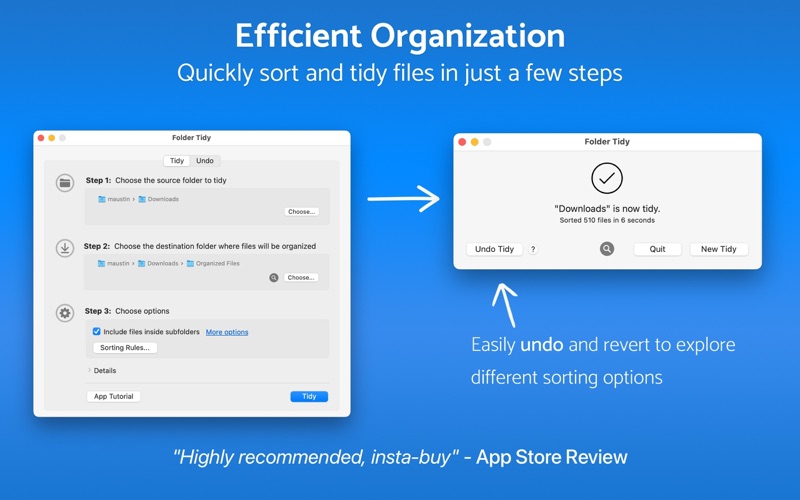
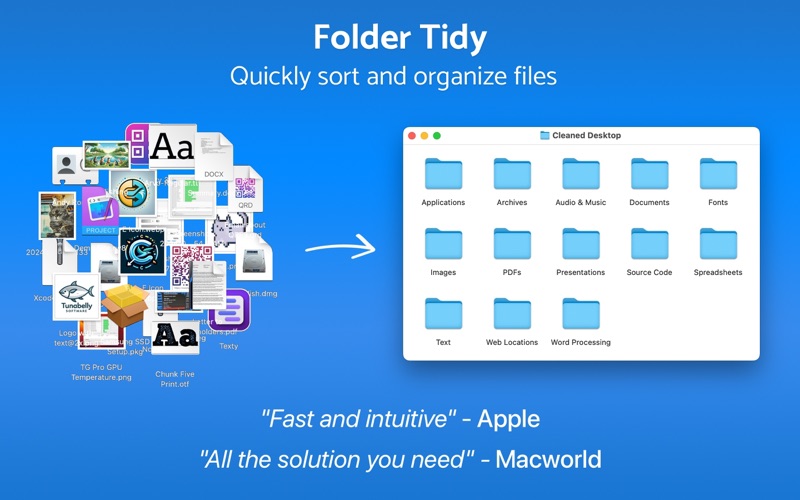
At its core, the application works by scanning a designated source directory and distributing its contents into clearly labeled subfolders. Whether you have scattered source code, spreadsheets, images, or audio files, the utility categorizes them instantly. What truly sets this tool apart from basic built-in macOS features is its highly customizable rule engine.
Powerful Built-In and Custom Rules
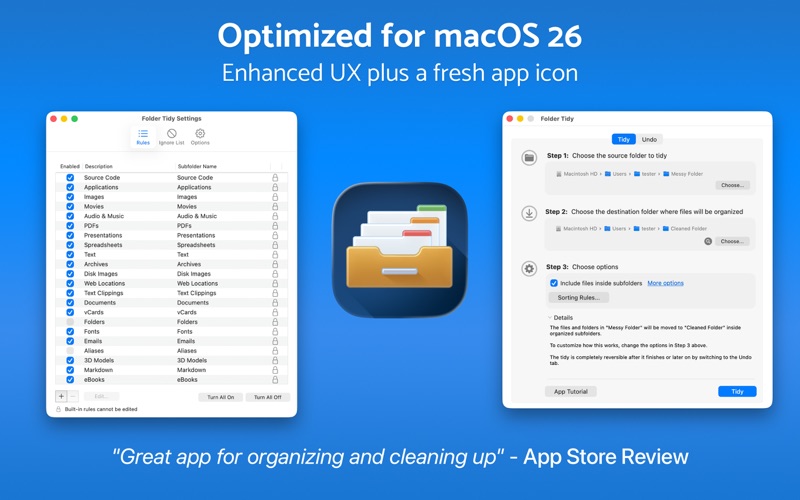
- Predefined Rules: Out of the box, you get 22 built-in sorting rules designed to recognize common file types and group them into logical folders like Pictures, Music, and Office Documents.
- Custom Sorting Logic: Users can craft bespoke rules for granular control. For example, you can automatically isolate images captured before a specific year, or isolate documents containing specific tags into dedicated project folders.
- Exclusion Settings: You can explicitly instruct the application to ignore aliases, existing folders, or specific colored labels to protect your active project structures.
Safety First: Complete Peace of Mind with Historical Undo
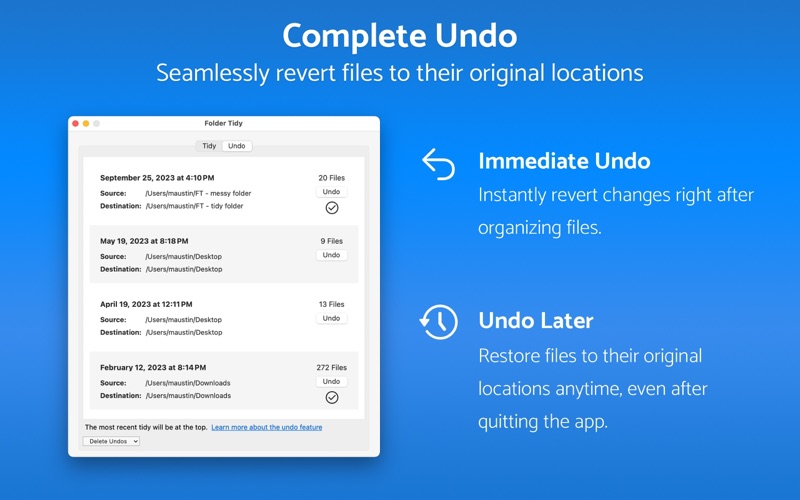
Automating file management can sometimes feel risky—what if an aggressive rule moves important files somewhere unexpected? The developers have addressed this concern with a robust, multi-tier safety net. Not only is there an immediate "Undo" action available right after cleaning, but the app also features a historical undo capability. This allows you to reverse a sorting operation even days or weeks later, restoring every single file back to its exact original location without data loss.
Who is This Mac Utility For?
This utility is an ideal match for creative professionals, developers, and administrative workers who handle large volumes of daily downloads or assets. If you regularly find yourself searching through a sea of unorganized files, this application offers a quick, reliable, and highly customizable way to regain control of your digital workspace.
Our Editorial Verdict
With its long-standing presence on the Mac App Store and recognition from major tech publications, this utility has proven its reliability. It avoids unnecessary complexity, focusing instead on doing one job exceptionally well: bringing order to digital chaos. If you are ready to automate your file management, we highly recommend checking out this utility. You can find more details and purchase the application directly on the official Mac App Store.
Rate the App
User Reviews


Popular Apps










Editor's Choice